Quick Start
Run your first Foundation PLR experiment in 5 minutes.
Prerequisites
Ensure you have completed the installation steps.
Step 1: Activate Environment
Step 2: Run a Classification Experiment
This will:
- Load PLR data from the database
- Apply default preprocessing (outlier detection + imputation)
- Extract handcrafted features
- Train a CatBoost classifier
- Evaluate with bootstrap validation
- Log results to MLflow
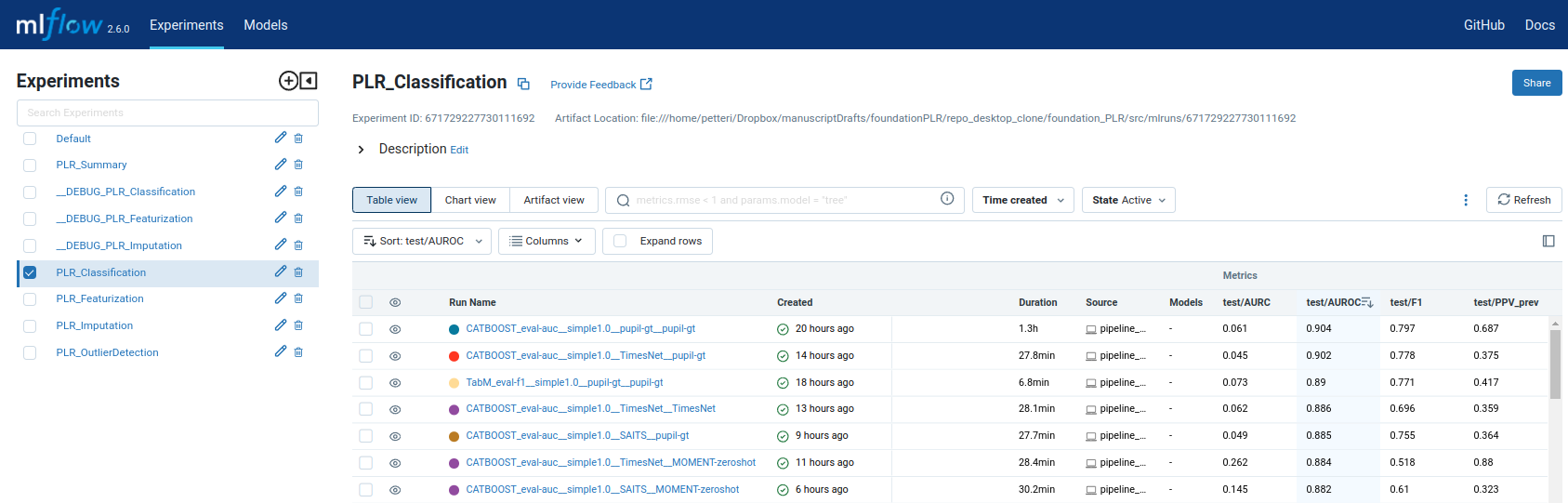
Step 3: View Results
Open http://localhost:5000 to view experiment results.
Configuration
Override defaults with Hydra:
# Change classifier
python -m src.classification.flow_classification classifier=XGBoost

# Change preprocessing
python -m src.classification.flow_classification \
    outlier_method=MOMENT-gt-finetune \
    imputation_method=SAITS
Available Methods
The pipeline supports:
| Stage | Methods | Registry |
|---|---|---|
| Outlier Detection | 11 methods | configs/mlflow_registry/parameters/classification.yaml |
| Imputation | 8 methods | configs/mlflow_registry/parameters/classification.yaml |
| Classification | 5 classifiers | CatBoost recommended |
Note: The registry is the single source of truth for method names.
Next Steps
- Learn about the pipeline architecture
- Understand configuration options
- Explore API reference
- New to software tools? See Concepts for Researchers